
Set Specific Directions
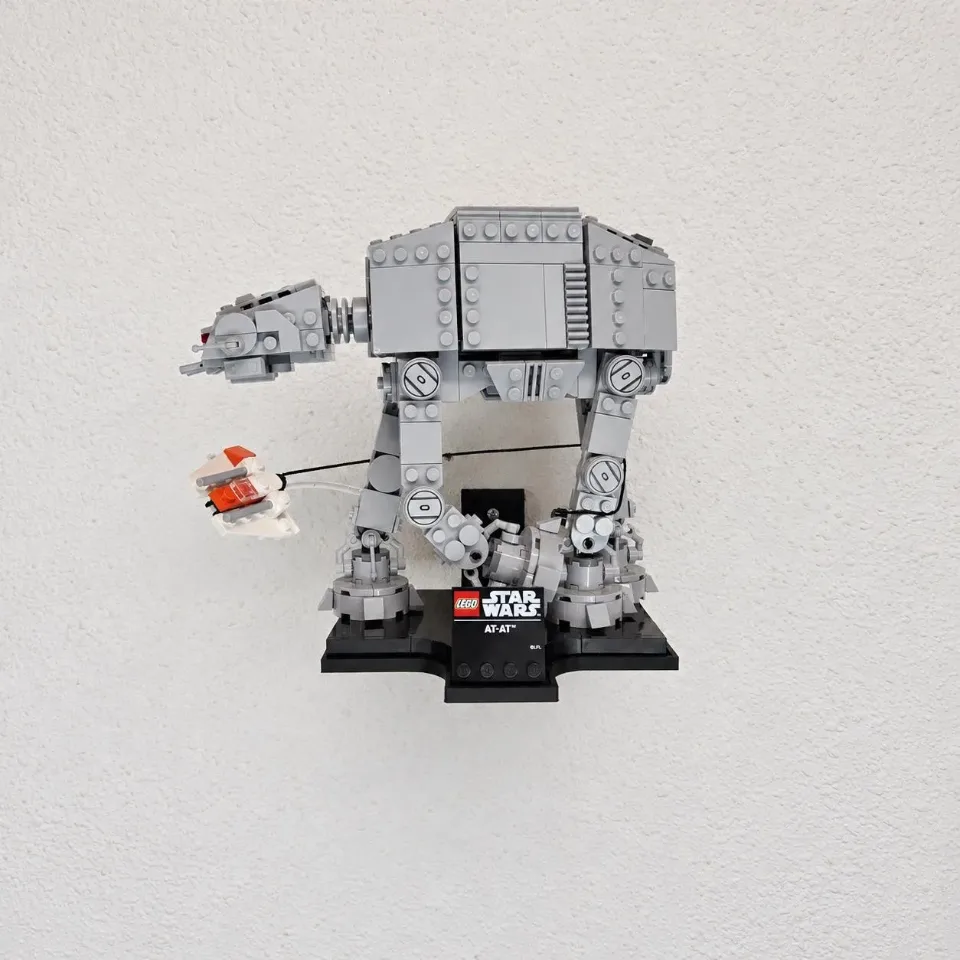
AT-AT (75440) — tray wall mount
Install the AT-AT tray with the Wedge or Slim bracket supplied for your selected style. The animation illustrates the Wedge version; follow the written Slim instructions below for a Slim order. Assemble the empty tray before marking the wall.
Reference 75440
Before you start
Tools needed
- Screwdriver, level, pencil and a drill and bit suitable for the wall hardware.
Parts & hardware
- 1 AT-AT tray
- Wedge option — 1 Wedge bracket, 4 low-profile M3 screws, 4 washers and pre-installed threaded inserts
- Slim option — supplied Slim bracket and matching low-profile M3 screws, washers and pre-installed threaded inserts; use every matching tray-to-bracket attachment point
- Wall screws and suitable anchors for every wall hole in your supplied bracket.
Match the tray and brackets
Check the style in your order: Wedge or Slim. The animation shows the Wedge version. For Wedge, align the four tray holes with the four pre-installed bracket inserts. For Slim, position the supplied Slim bracket beneath the tray and align its inserts with the matching recessed tray holes. In either version, keep the bracket wall-mounting face toward the wall and the tray support surface facing upward. Use all matching attachment points; do not drill new holes or force a mismatched bracket.
Fasten the tray before marking the wall
For either bracket style, place a washer in every matching tray recess. Start each supplied low-profile M3 screw by hand through the tray into its bracket insert, then tighten evenly until snug. Use all attachment points for the selected bracket. Each screw head and washer must sit below the tray support surface. Stop if the parts do not align or a screw does not engage freely.
Level the assembled mount and mark the wall
Hold the assembled, empty mount against the wall. Check the level and clearance for the full set, then mark every wall-mounting hole in the supplied Wedge or Slim bracket. The illustrated Wedge has two wall holes. Use the actual bracket as the template for either style, then set the mount aside.
Prepare the wall and secure the mount
Check the drilling location for concealed wiring and pipes. Prepare each hole for the selected wall screws or anchors. Seat anchors flush where required. Align the assembled mount, start each wall screw and tighten until snug. Check that the empty tray is firm and level.
Seat the set
Support the full base of the set as you lower it into the tray. Check that the base sits flat, the mounting hardware clears it, and the set has room around its projecting details. Release your support gradually once it is stable.