
Set Specific Directions
Boba Fett’s Starship (75312) & Slave I (75243) — carry-handle stands
Place your ship on its one-piece display stand by slipping the set’s carry handle into the stem. The handle holds the model in place. These steps cover the stands for Boba Fett’s Starship (75312) and Slave I 20th Anniversary (75243); use the stand made for your set.
Reference 75312, 75243
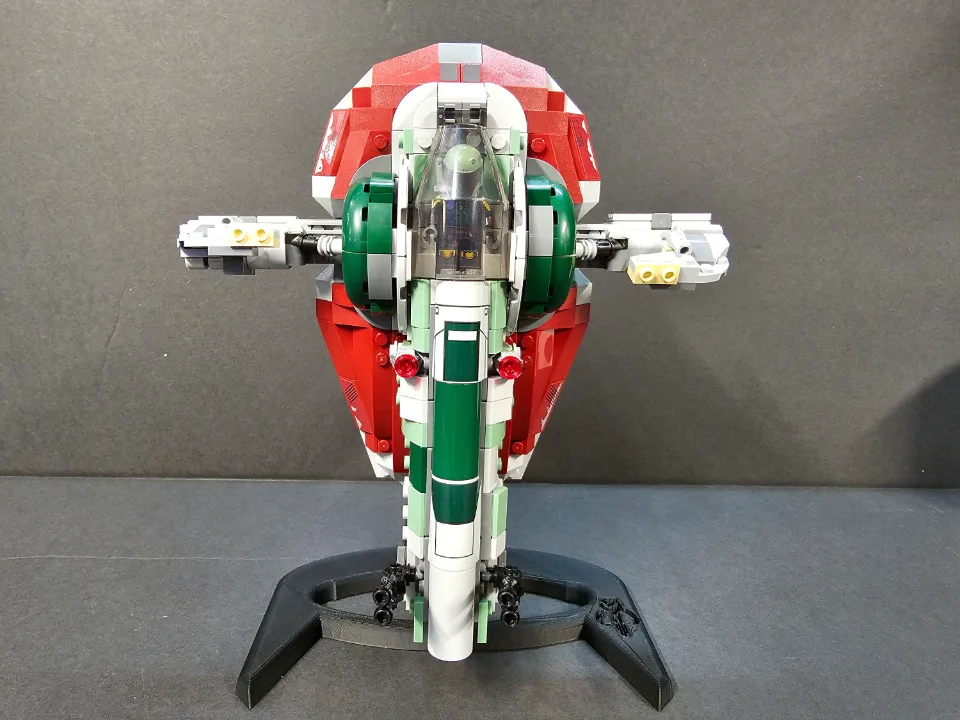
Which item are you installing?
Choose an item linked to this guide to see its details and purchase link.
Before you start
Tools needed
- No tools required
Parts & hardware
- One-piece display stand for your set
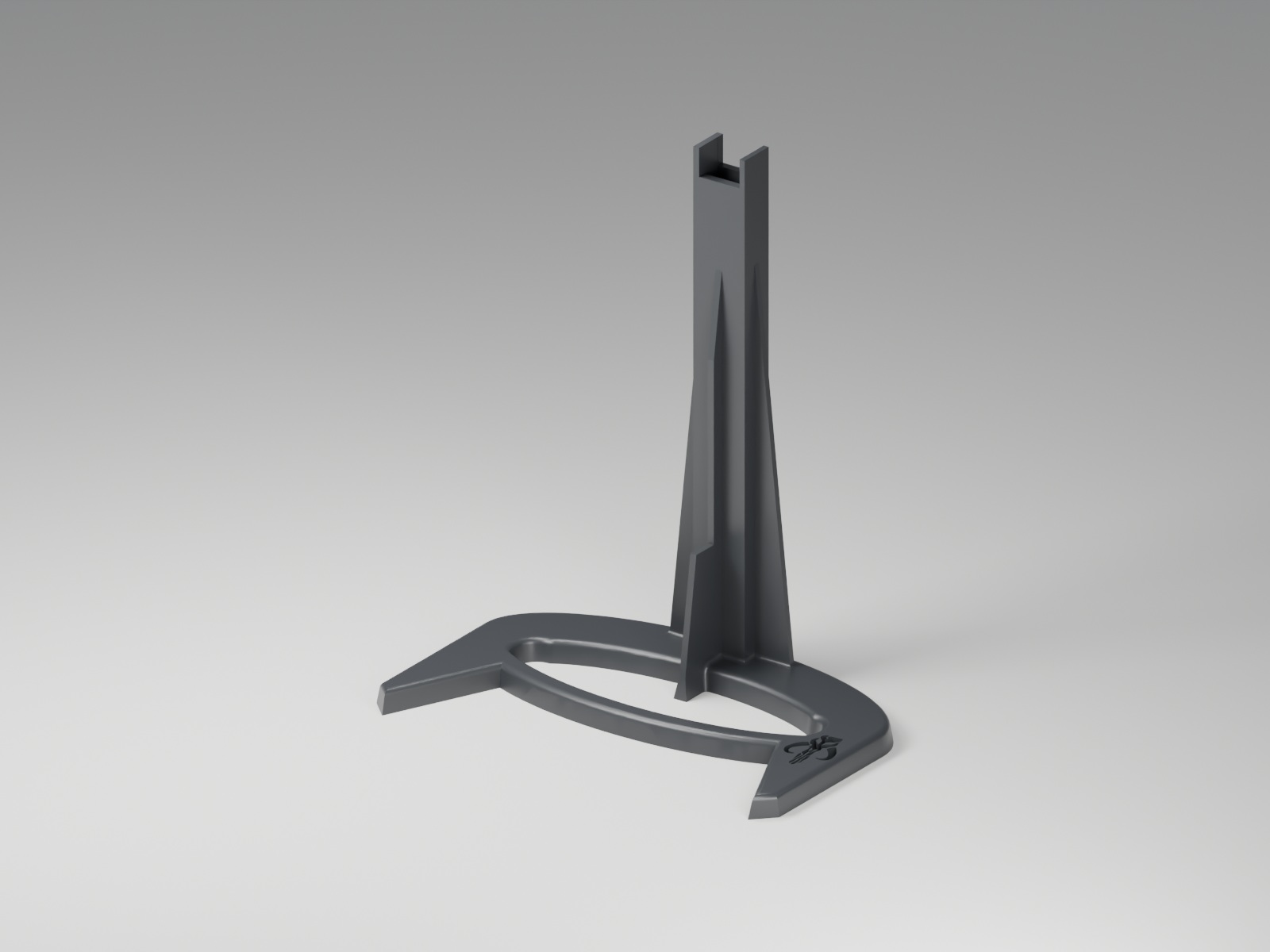
Boba Fett Starship 75312 - Stand
Use the stand made for this set. This render shows the supplied stand shape; follow the placement steps below.
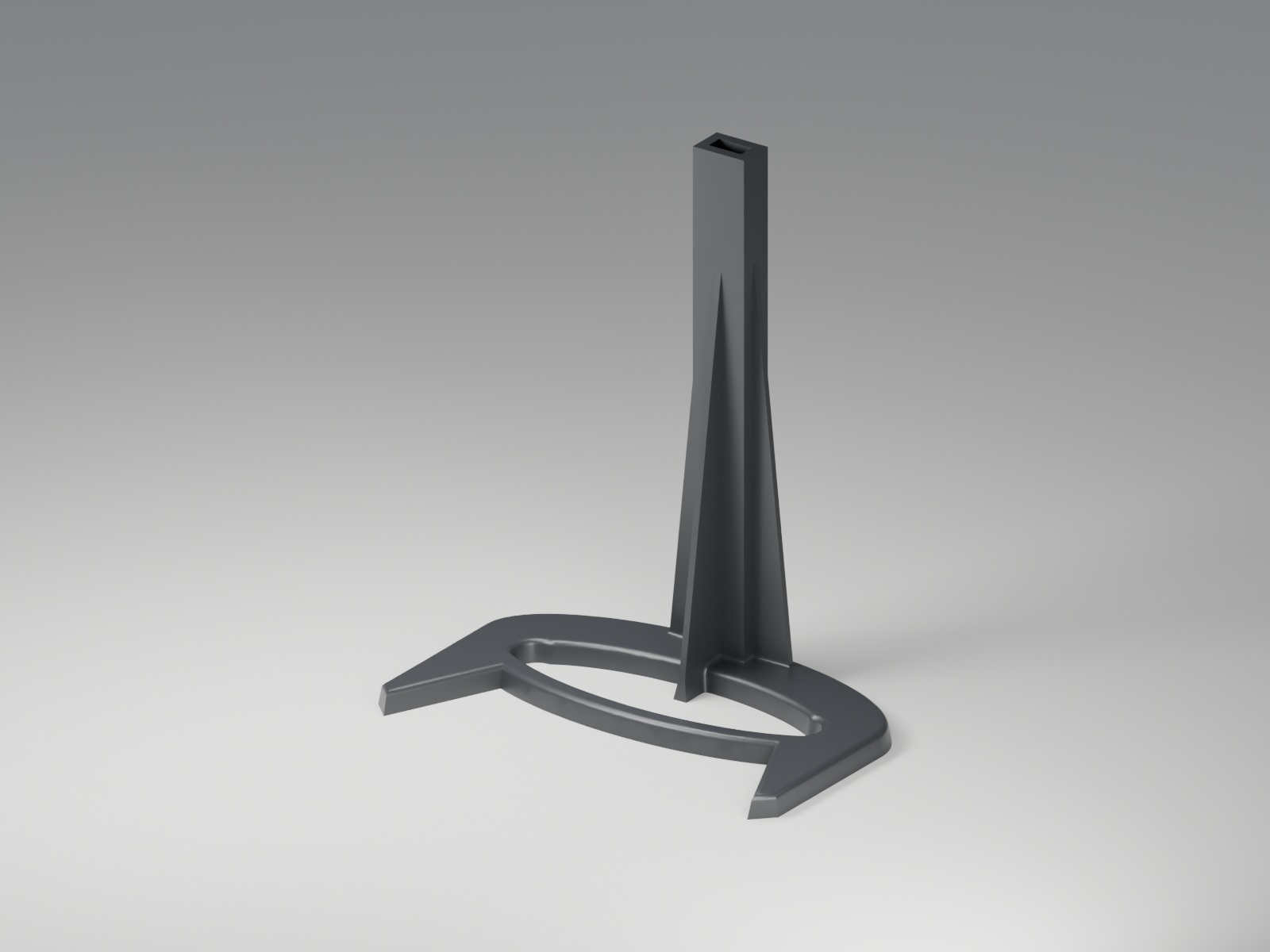
Slave I 20th Anniversary 75243 - Stand
Use the stand made for this set. This render shows the supplied stand shape; follow the placement steps below.
Position the one-piece stand
Place the stand on a flat, stable surface with enough room for the ship and its projecting details. Confirm that you have the stand intended for your set: Boba Fett’s Starship 75312 or Slave I 20th Anniversary 75243. The base and stem are one piece, so no stand assembly is needed. Check that the base sits flat and the stem is undamaged before adding the model.
Align the carry handle with the stem
Support the ship’s main body with both hands and locate its carry handle. Position the handle so it lines up with the receiving opening in the stand’s stem. Keep the model supported while aligning the parts. Avoid putting pressure on wings, antennas, or other delicate details.
Slip the carry handle into the stem
Carefully slip the carry handle into the stem while continuing to support the ship. Seat the handle fully in its intended position; this connection is what holds the model on the stand. If the handle does not fit smoothly, lift the model away and check the alignment and that you have the correct stand for the set. Do not force the handle, bend the stem, or leave the model resting on a partly inserted handle.
Check the display and remove it safely
Gradually release your support once the handle is fully seated. Check that the model stays in position and that the base remains flat and stable. Keep the display away from edges and places where it could be bumped. To remove the ship, support its body and carefully withdraw the carry handle from the stem, steadying the base as needed. Remove the model before moving the stand. If the handle connection or stand becomes loose or damaged, take the model down and check the fit before displaying it again.