
Set Specific Directions
Imperial Star Destroyer (75394) — adjustable wall mount
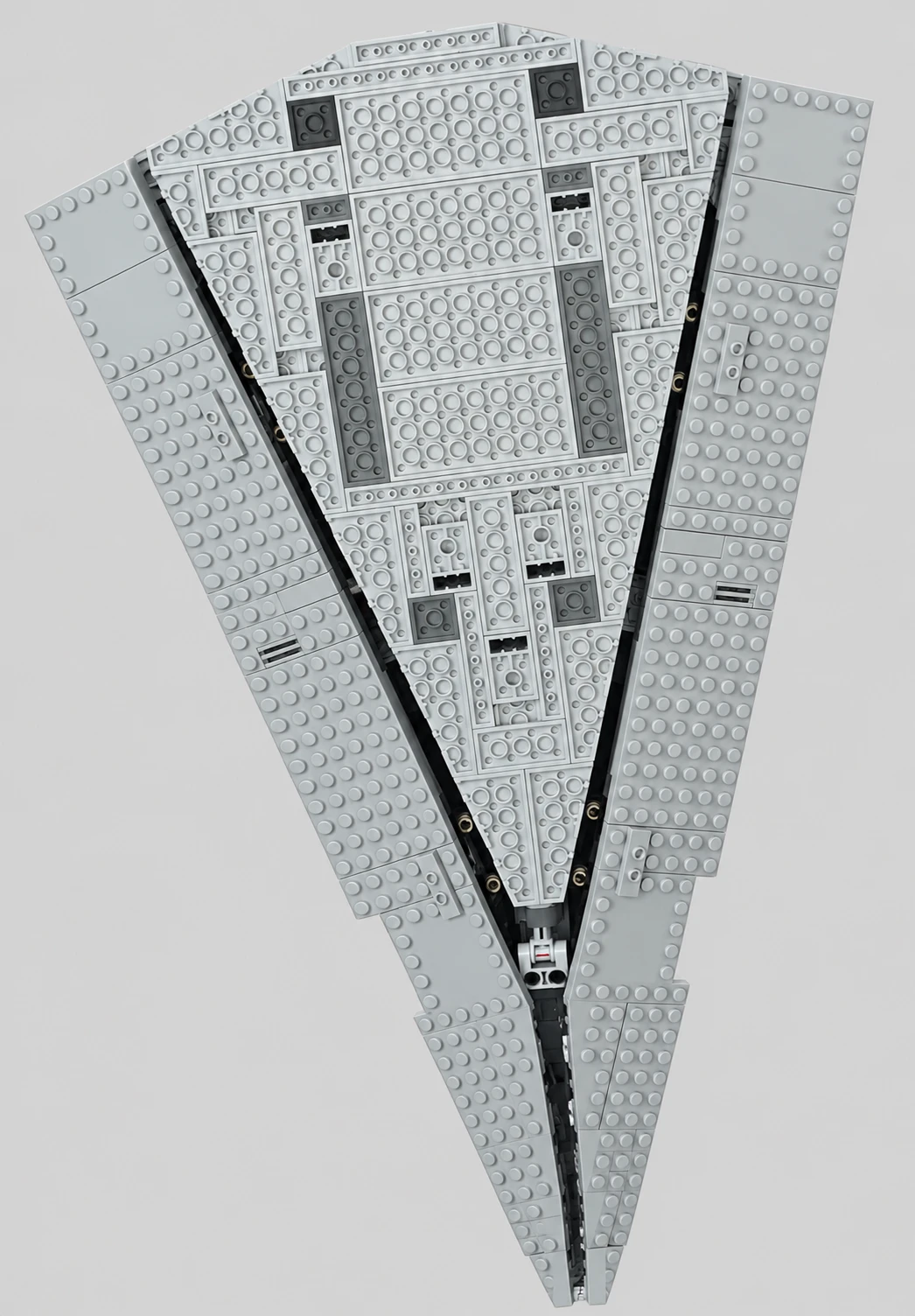
Install your wall mount for Imperial Star Destroyer (75394) using the set-specific three-tab mounting head and adjustable ball joint. The three tabs fit the matching three holes on the underside of the set. Use the underside photo to locate this fixed attachment point; generic brick-top placement and balance-point searching do not apply.
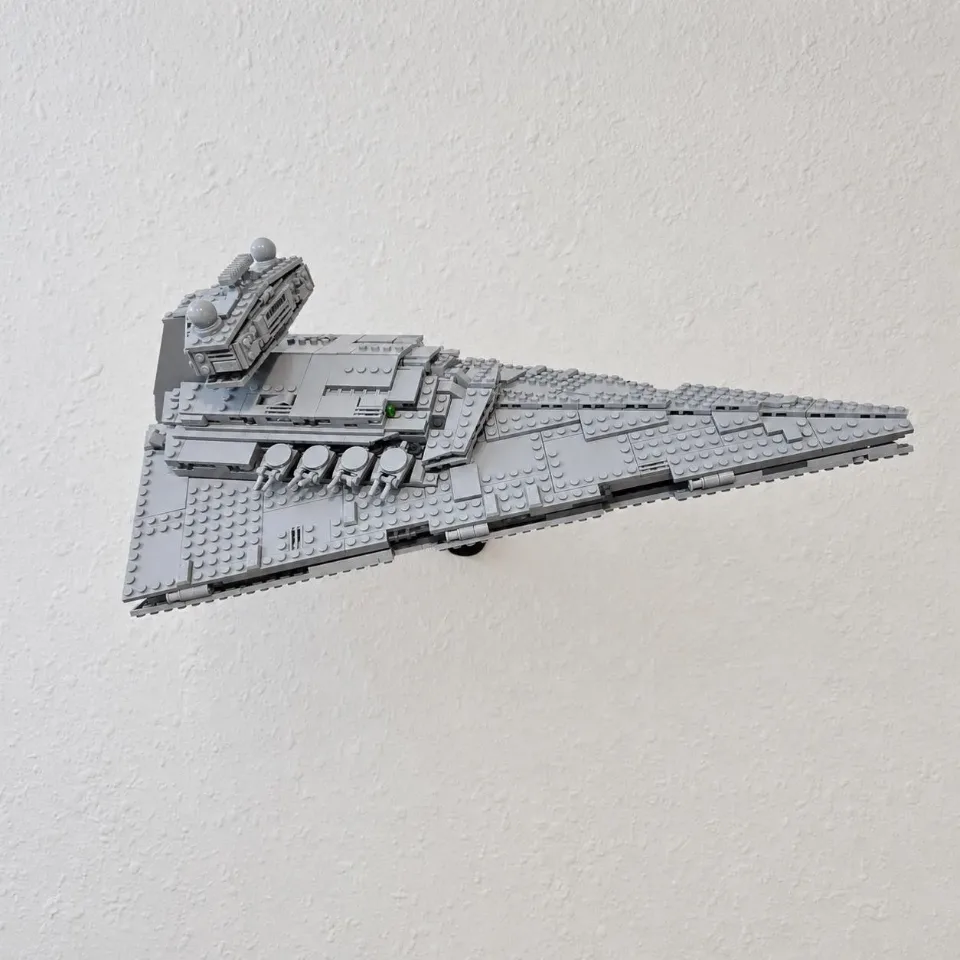
YOUR SELECTED ITEM
Adjustable Wall Mount for LEGO® Imperial Star Destroyer™ (75394)
Before you start
Tools needed
- Screwdriver
- Level
- Pencil
- Drill and suitable bit if required by your wall mounting hardware
Parts & hardware
- Heavy-duty mounting arm
- Imperial Star Destroyer three-tab mounting head with ball joint
- Retaining collar
- Screw cover (if ordered)
- Screws and wall anchors suitable for your wall (included if ordered)
Secure the mounting arm to the wall
Choose a position with enough clearance for the Star Destroyer. Level the arm, mark the screw holes, and secure it using screws and anchors suitable for your wall. Use the supplied hardware if ordered and appropriate for the wall type. Check that the arm is firmly attached before adding the set.
Fit the screw cover
If using the screw cover, fit it after both wall screws are snug and before installing the ball head. With the socket still bare, align the cover opening with the socket at the tip of the arm. Slide the cover over the socket and along the arm until it seats against the wall plate and conceals the screws. Support the arm and guide the cover gently. If it catches, check the orientation before continuing.
Assemble the adjustable mounting head
Follow the animation to fit the retaining collar and the ball joint of the three-tab mounting head into the arm. Start the collar by hand and tighten it enough to hold the head steady while you align the set. The flat plate and its three projecting tabs face the underside of the Star Destroyer.
Locate the three underside mounting holes
Support the Star Destroyer securely and compare its underside with the photo. Locate the group of three rectangular openings arranged in a triangle near the middle of the underside: two openings side by side and a third farther toward the pointed nose. These are the matching attachment holes for the three tabs on the custom mounting head, not the small round tubes on the surrounding brick plates.
Seat all three tabs in the matching holes
Keep the full weight of the Star Destroyer supported. Rotate the mounting head to match the triangular arrangement of the three underside holes, then align each tab with its corresponding hole. Bring the set and head together evenly so all three tabs seat in their matching openings and the head supports the underside. Do not force a tab into an unrelated opening or leave the model supported by only one or two tabs. If it does not seat evenly, lift the set away and check the alignment. The attachment position is predetermined; do not move the head around to find a balance point.
Set the angle and tighten the collar
Continue supporting the whole set while adjusting the ball joint to a moderate, stable display angle. Turn the retaining collar by hand to lock the joint, as shown in the animation. Check that all three tabs remain seated, the brick structure is intact, and the arm and wall mounting hardware are secure before gradually releasing your support. Support the set again before loosening the collar or making any later adjustment.