
Set Specific Directions
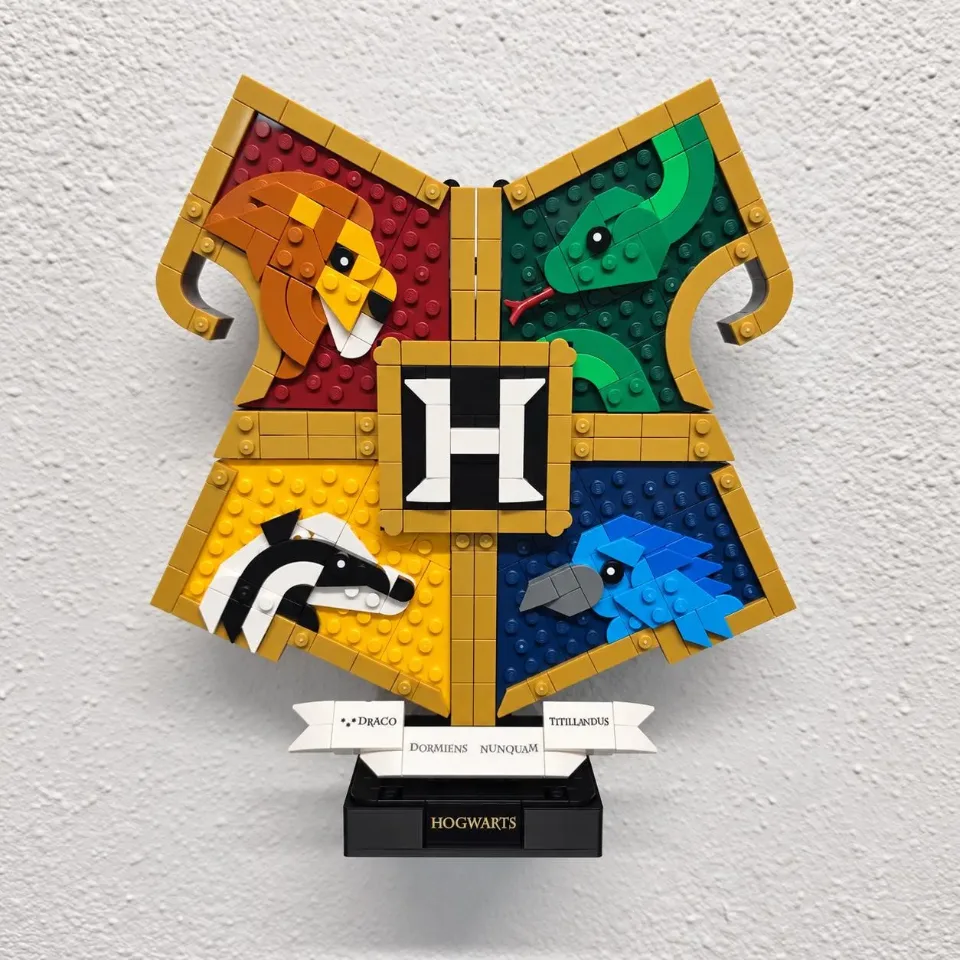
Wall Mount for LEGO® Hogwarts™ House Crest (76462)
The square tray supports the assembled crest from below.
Reference 76462
Before you start
Tools needed
- Level, pencil, screwdriver, and a drill and bit suitable for the fasteners.
Parts & hardware
- 2 wall screws and, for drywall where required, 2 compatible anchors rated for the wall and loaded display.
Level the empty mount and mark the wall
Hold the back of the empty mount flat against the wall with the platform level. Check clearance for the set and room to lift it on and off. Check for concealed pipes and wiring, then mark both holes through the mounting tab.
Prepare the holes and fasten the mount
Set the mount aside. For drywall anchors, drill at each mark to the size specified for the anchors and press them flush. For a stud, follow the screw manufacturer’s pilot-hole instructions. Align the mount, start each screw, recheck the level and tighten until snug. Check that the empty mount sits firmly against the wall.
Seat the display
Lower the display base into the tray with the crest facing the room. Confirm that the base sits level inside the edges. If the mount moves or the set rocks, lift the set off and check the fit and fasteners.