
Set Specific Directions
Stand for LEGO® Star Wars Millennium Falcon (75257)
Position the two wedges beneath the Millennium Falcon’s feet to give the model its display angle. The feet rest on the wedges; no stand assembly is required. These instructions cover the display stand for set 75257.
Reference 75257
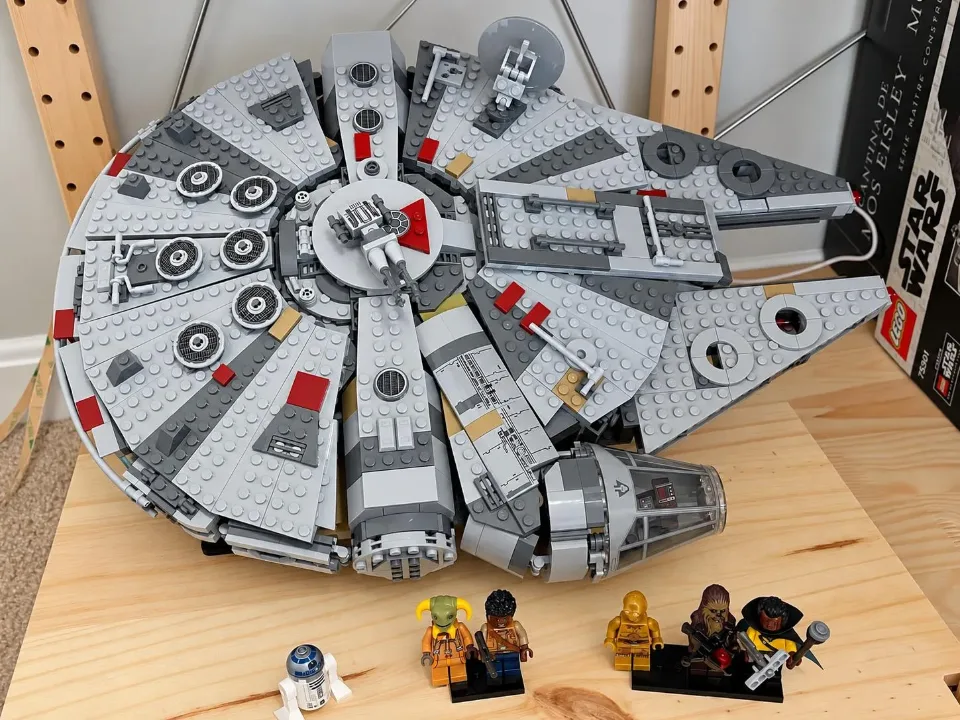
Before you start
Tools needed
- No tools required
Parts & hardware
- Two display wedges for Millennium Falcon 75257
Millennium Falcon 75257 - Stand
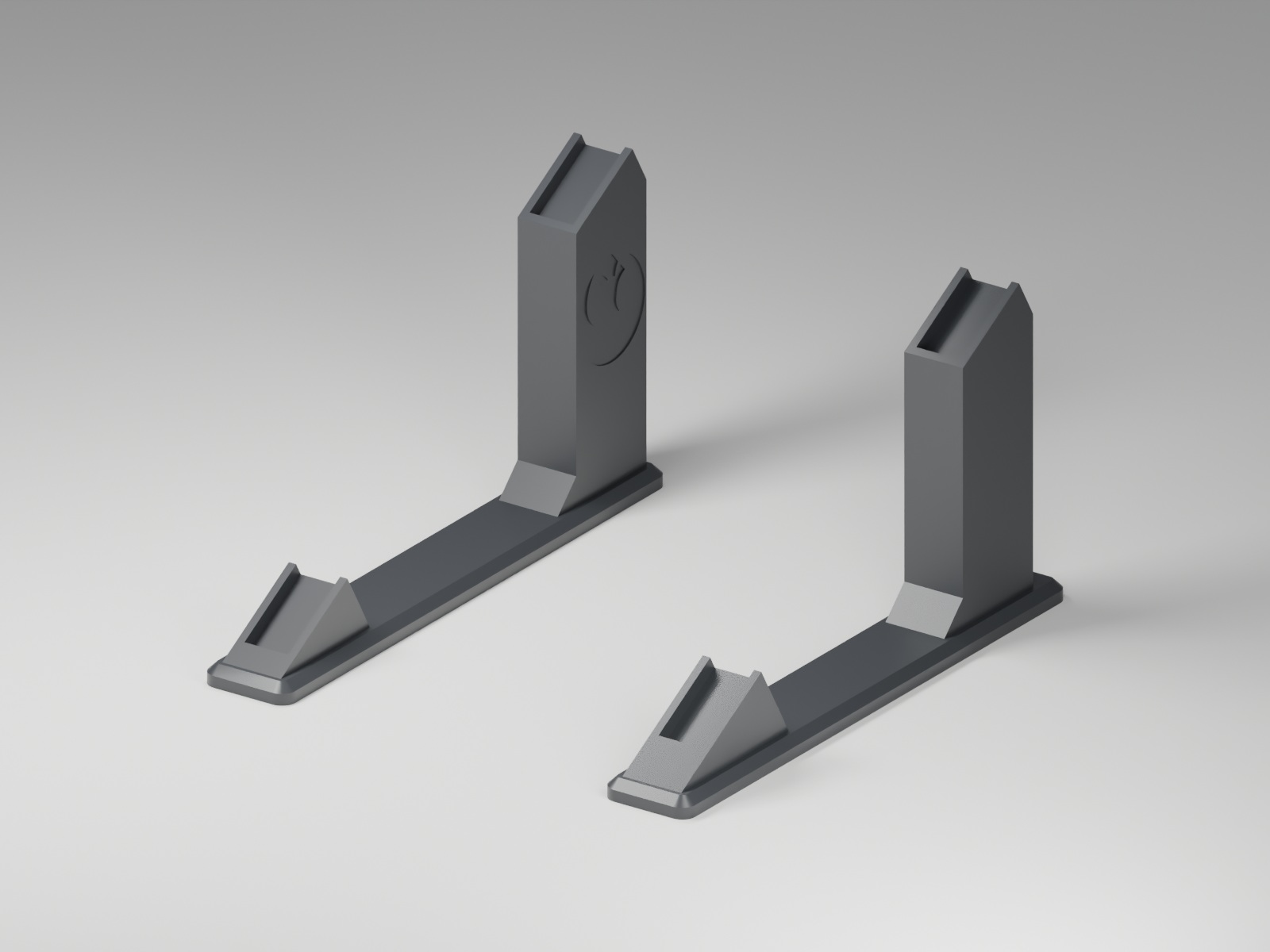
Use the stand made for this set. This render shows the supplied stand shape; follow the placement steps below.
Choose a stable display surface
Place the display on a flat, stable surface with room for the Falcon and clearance from nearby objects. Keep it away from shelf edges. Check both wedges for damage and make sure the set’s feet are securely attached before positioning the model.
Position the two wedges beneath the feet
Support the Falcon by its main structure and identify where its feet will meet the wedges. Set both wedges on their flat bases, with the sloped support surfaces positioned to give the intended display angle. Space them to match the feet they support. Compare the positions with the actual set rather than estimating from a photo. Keep the model supported while aligning the wedges.
Lower the feet onto the wedges
Carefully lower the Falcon so its feet rest on the wedges’ support surfaces. Check that the supported feet sit securely on the wedges rather than overhanging an edge. The set rests on the wedges; do not force it down or try to snap the feet onto them. Keep supporting the model until it sits steadily at the display angle. If it rocks, slides, or misses a support, lift it clear before repositioning the wedges.
Check the display before letting go
Gradually release your support once the model is stable. Check that both wedges remain flat on the surface and the feet stay seated. Use the angle provided by the wedges without stacking extra pieces underneath them. To adjust or remove the display, support the Falcon and lift its feet clear of the wedges first. Do not slide the wedges around while they are carrying the set. If the model shifts or becomes unstable, take it down and check the positioning before displaying it again.