
General directions
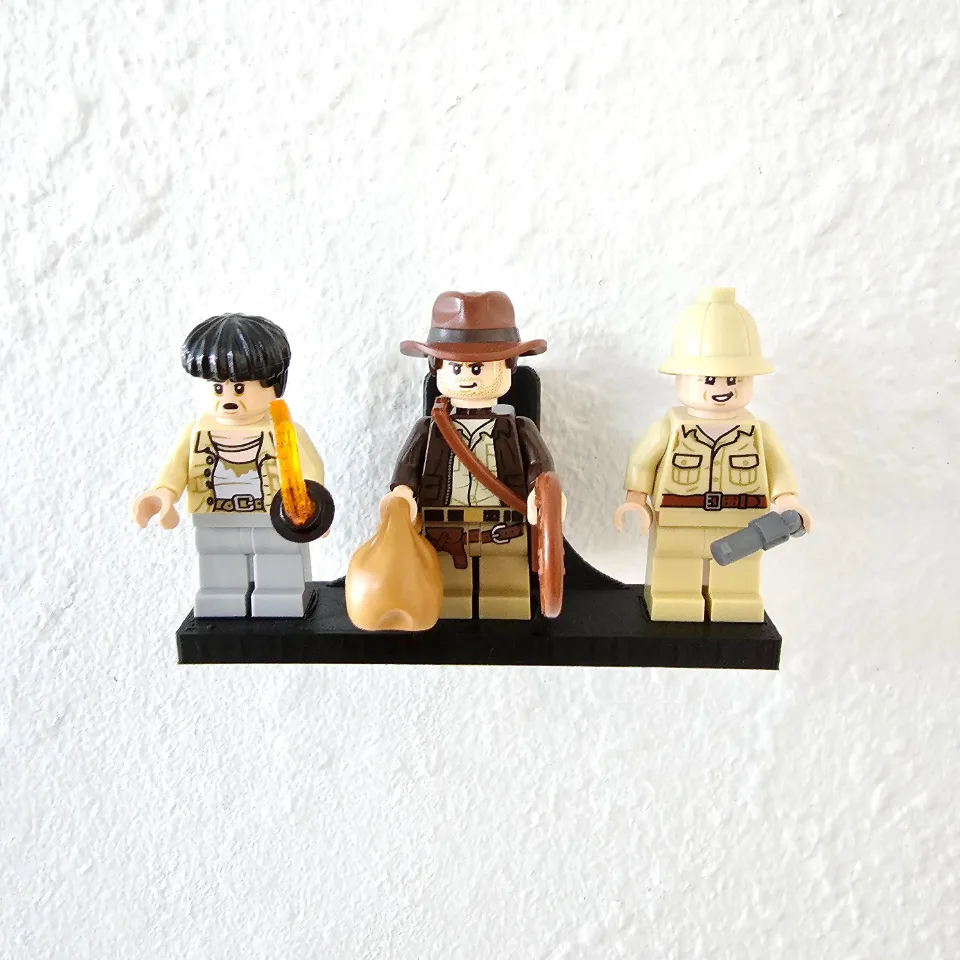
Wall Mount for LEGO® Minifigures
Install your Minifigure wall mount using the Command Strip or screw-mounted method selected in your order. Adhesive versions use small Command Poster Strips. Follow only the steps for your mounting style.
Before you start
Tools needed
- Level
- Command Strip option: isopropyl rubbing alcohol and a clean cloth, following strip packaging
- Screw option: screwdriver, pencil, and suitable drill/bit or stud finder if required
Parts & hardware
- 1 Minifigure mount in the ordered style and capacity
- Command Strip option: small Command Poster Strips (17024 family)
- Screw option: suitable wall screws and any required anchors
- Mounting hardware is included only if Yes was selected on the order.
Choose your mounting style
Check the style and capacity on your order before starting. The Command Strip version uses small Command Poster Strips (17024 family); follow steps 2–3. The screw-mounted version uses its wall-mounting holes; follow steps 4–5. Both versions finish with step 6. Hardware is included only when Yes was selected for mounting hardware. Keep all minifigures off the mount during installation.
Command Strip: prepare the surfaces
Use small Command Poster Strips matching the mount’s strip-contact area. Use fresh strips when reinstalling; keep the removal tabs accessible below the mount. Check the strip packaging for compatible indoor surfaces and any restrictions. Clean the wall as directed with isopropyl rubbing alcohol, let it dry, and prepare the mount’s adhesive-contact surface. Do not use household cleaners. Follow the current package instructions for your strip. Manufacturer product details: https://www.command.com/3M/en_US/p/d/b10014147/
Command Strip: attach the empty mount
Remove the liner marked for the item side and press the strip onto the mount’s flat adhesive-contact area. Remove the wall-side liner, align the empty mount level, and press directly over each strip firmly against the wall for 30 seconds. Keep the release tabs exposed. Follow any additional preparation or waiting instructions on the strip package before loading. Do not reuse a removed strip. Skip to step 6. Manufacturer instructions: https://multimedia.3m.com/mws/media/1383383O/command-17024-pdf.pdf
Screw mount: mark and prepare the wall
For the screw-mounted version only, hold the empty mount level in its intended orientation and mark every wall-mounting hole. Check for concealed wiring and pipes. Select screws and anchors suitable for the wall and intended load; prepare the holes and fit anchors according to their manufacturer’s instructions.
Screw mount: secure the empty mount
Align the mount with the prepared holes and start each wall screw. Recheck its alignment, then tighten gradually until secure without crushing or bending the printed part. Use all mounting holes. If the empty mount rocks or moves, correct the wall connection before adding minifigures.
Load, check and remove
Use only the minifigure positions provided by the capacity you ordered. Seat each minifigure on its intended attachment points while supporting the mount, then release gradually and check that it stays secure. Remove the minifigures if the mount loosens. Before moving either style, remove all minifigures. For Command strips, lightly hold the mount, grasp the exposed tab and stretch the strip slowly straight down along the wall until it releases; never pull outward. Follow the package removal directions and fit new strips before reinstalling. For the screw version, support the empty mount while removing the screws.